
Do you really need to download an antivirus app on your Android phone? The short answer is probably not — but there are some exceptions worth knowing about.
Most Android phones come with built-in security features that handle the basics. For the average user, adding a third-party antivirus app often just slows down your device and drains your battery without providing much extra protection.
What an Antivirus App Actually Does
An antivirus product is a program designed to detect and remove viruses and other kinds of malicious software from your device. According to the National Cyber Security Centre, malicious software — known as malware — is code that can harm your devices and the data on them.
Your device can become infected by inadvertently downloading malware that is in an attachment linked to a dubious email or website. This is the main threat antivirus software is built to stop.
Why Most Android Users Can Skip Antivirus Apps
Here is the key point: antivirus products are primarily designed for computers and laptops, not phones. Android has its own security layers that work in the background to keep you safe.
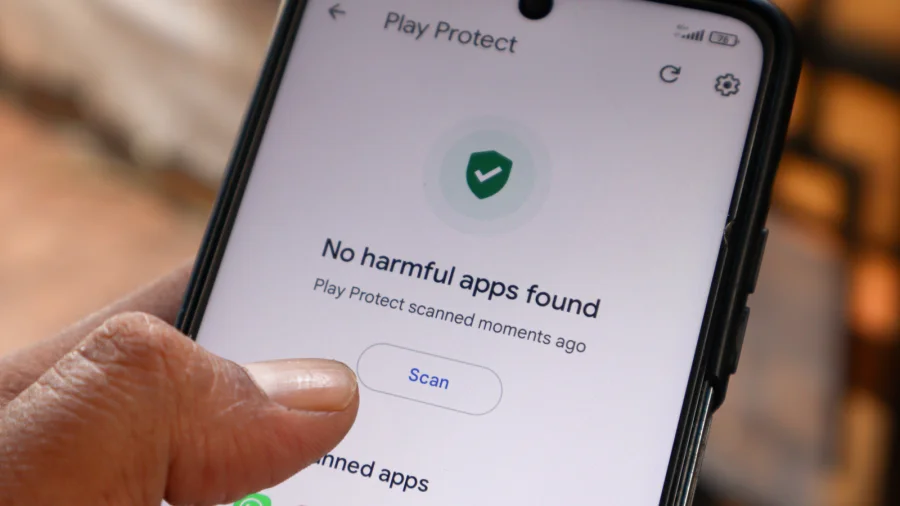
Google Play Protect, which comes built into every Android device, scans apps for harmful behavior. It checks apps before you download them and continues monitoring them after installation. For most people, this is enough.
According to Rokform, the question of whether you need antivirus for Android depends largely on how you use your phone. If you stick to official app stores and avoid suspicious links, your risk is low.
When You Might Need Extra Protection
There are some situations where an antivirus app could be useful:
- If you frequently download apps from outside the Google Play Store
- If you click on links from unknown senders or visit questionable websites
- If you handle sensitive data on your phone for work or banking
- If you have an older Android device that no longer receives security updates
In these cases, a reputable antivirus app can add an extra layer of defense. But for the average user who downloads apps from trusted sources and avoids sketchy links, the built-in protections are usually sufficient.
Our Take: Focus on Smart Habits, Not Extra Apps
To put it plainly, the best security for your Android phone is not an antivirus app — it is your own behavior. The National Cyber Security Centre points out that malware usually gets onto devices through dubious attachments and links. Avoid those, and you have already eliminated most of the risk.
In our view, downloading an antivirus app for your Android phone is often unnecessary and can even create new problems. Some antivirus apps ask for broad permissions that give them access to your data — which is ironic for a tool meant to protect you.
Instead of paying for antivirus software, spend that effort on good habits: update your phone regularly, download only from the Google Play Store, and think twice before clicking unknown links. That will keep you safer than any third-party app.
If you fall into one of the exception categories — like sideloading apps or using an outdated device — then a trusted antivirus app might be worth considering. For everyone else, save the storage space and skip it.