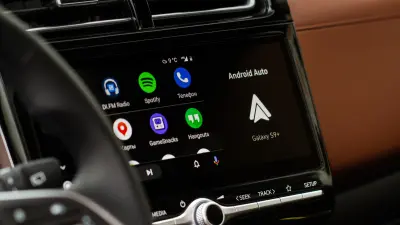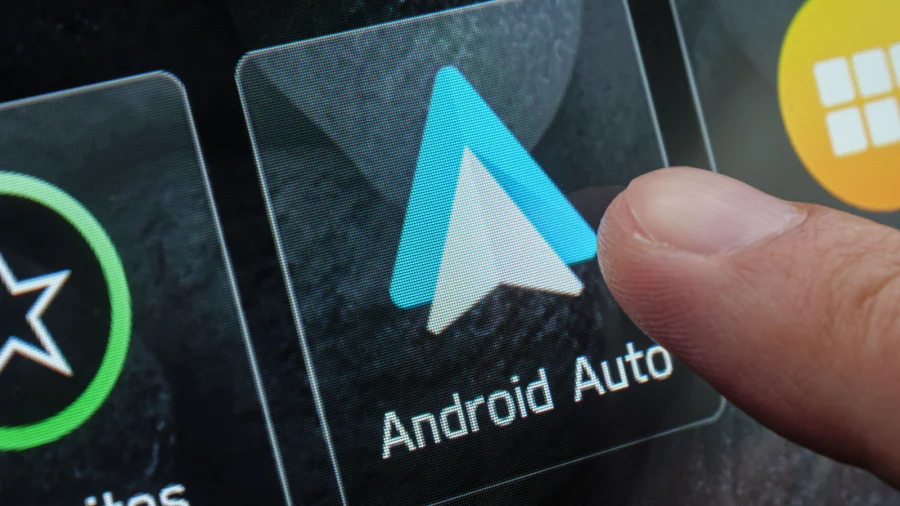

Android Auto brings navigation, calls, and music to your car's display, but the audio experience can sometimes leave you wanting more. If the sound coming through the system feels flat, muffled, or just not right, the fix is often simpler than you think. The key is knowing which components and settings to check.
Key Components That Affect Android Auto Sound Quality
Several parts of the chain influence what you hear. The quality of your audio starts with the source — whether that is a streaming app or a local file — but it does not end there. The connection between your phone and the car, the car's own sound system, and the settings within Android Auto all play a role.
To get the best possible sound, you need to look at the whole picture. A weak Bluetooth connection or a low-quality cable can degrade the signal before it even reaches your speakers. Similarly, the equalizer settings on your phone and in your car's head unit can dramatically change the output.
Settings to Review for Better Audio Output
Start by checking the audio settings inside the Android Auto app itself. There are options that control how sound is processed and delivered. Many users overlook these, but they can have a noticeable impact on clarity and volume.
Beyond the app, your phone's own sound settings matter. Look for any built-in equalizers or sound enhancements that might be altering the audio. Sometimes these features are designed for phone speakers and can make car audio sound worse.
Finally, do not forget the car's stereo system. The head unit often has its own sound adjustments, including bass, treble, and balance controls. Matching these with your phone's settings can help you find a balanced, rich sound.
Our Take: Small Checks, Big Difference
In our view, most audio problems with Android Auto are not hardware failures — they are configuration issues. The fact that a few simple checks can improve sound quality is good news for most users. You do not need to buy expensive new equipment to hear a difference.
To put it plainly, the first step is always to look at the settings you already have. Whether it is the connection type, the app's audio options, or the car's equalizer, taking a few minutes to adjust these can transform your listening experience. If the sound is still disappointing after that, then you can start considering other factors.
The takeaway is straightforward: before you blame your speakers or your phone, check the settings. A little time spent on configuration can go a long way in making your drives sound better.