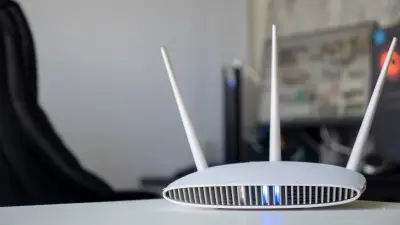

If your Wi-Fi keeps dropping or feels slow, the problem may not be your router. It could be the USB gadgets sitting around your computer. A bit of decluttering can go a long way toward improving your Wi-Fi, according to the original story.
Why USB Gadgets Can Hurt Your Wi-Fi Signal
USB devices connect to your computer through ports, and they can create electronic noise that interferes with wireless signals. When you have too many of them plugged in at once, that interference builds up. This can weaken your Wi-Fi connection and make it unstable.
The fix is simple: remove the USB gadgets you are not actively using. Every device you unplug reduces the interference and gives your Wi-Fi a cleaner path to work with.
How to Declutter Your USB Setup for Better Wi-Fi
Start by looking at everything currently plugged into your USB ports. Ask yourself which ones you actually need right now. The rest can be unplugged.
- Unplug USB gadgets you are not using at the moment
- Keep only the essential devices connected
- Move remaining USB devices away from your Wi-Fi antenna or router if possible
- Test your Wi-Fi speed after removing each device to see the difference
This is not about buying new equipment or changing your internet plan. It is about removing what you do not need. The original story makes it clear that decluttering is the key step.
Our Take: A Free and Easy Fix Worth Trying
In our view, this is one of the simplest tech tips you will come across. You do not need to spend money or learn complicated settings. You just need to unplug a few things.
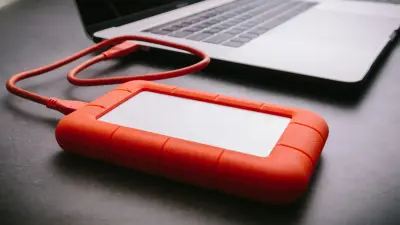
Most people pile up USB gadgets over time — old drives, extra receivers, charging cables — and never think about how they affect Wi-Fi. To put it plainly, if your Wi-Fi is bad and you have a cluttered USB setup, try removing some gadgets before you blame your router or your internet provider. It costs nothing and might solve the problem.
That said, this will not fix every Wi-Fi issue. If your signal is still weak after decluttering, the problem may be somewhere else. But as a first step, it is worth a try.