
Getting better Wi-Fi in your home may be simpler than you think. The correct way to position your router's antennas depends on your home layout — and a small adjustment can make a big difference in coverage.
Router Antenna Positioning for Single-Floor Homes
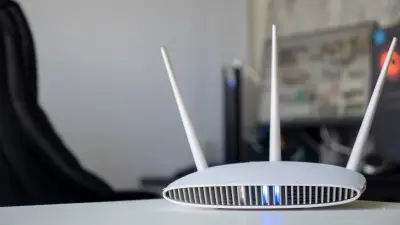
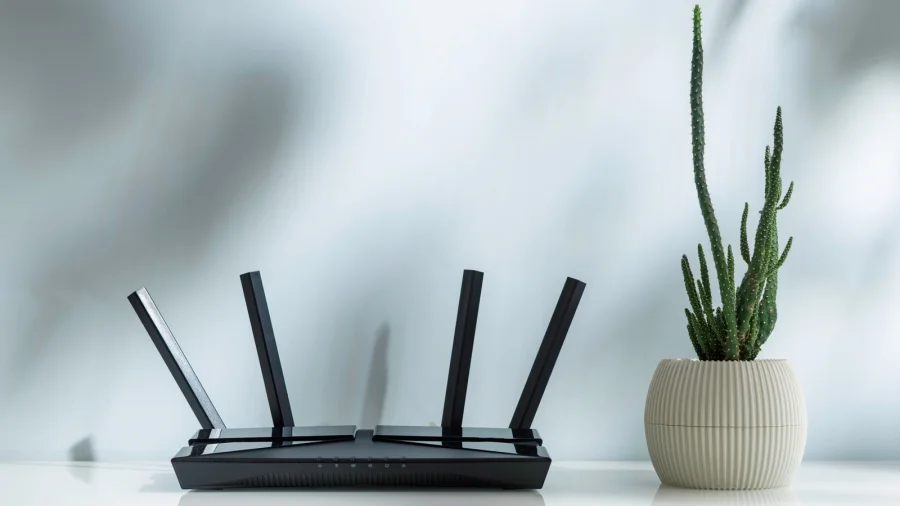
If you only need Wi-Fi coverage on a single floor, the best approach is straightforward. According to TP-Link, you should position the router's antennas vertically. This sends the signal out horizontally across the floor, covering the area where you need it most.
Router Antenna Positioning for Multi-Floor Homes
For homes with multiple floors, the strategy changes. The same source advises angling the antennas at approximately 30 degrees. This tilt helps the signal travel both horizontally and vertically, reaching rooms above or below the router.
Where to Place Your Router to Avoid Interference
Antenna position is only part of the solution. Where you put the router matters just as much. TP-Link recommends keeping the router away from high-powered appliances such as microwave ovens, televisions, and weak-current boxes. These devices can cause signal interference and reduce your Wi-Fi performance.
Our Take: Small Changes, Real Results
In our view, this is one of those rare tech tips that costs nothing and takes seconds to try. Many people never think about antenna position — they just plug in the router and hope for the best. But as the advice from TP-Link shows, a simple vertical or angled adjustment can improve coverage based on your home's layout. Combined with keeping the router away from interference sources, these steps can save you from buying expensive range extenders. It is worth testing both positions to see what works best in your home.