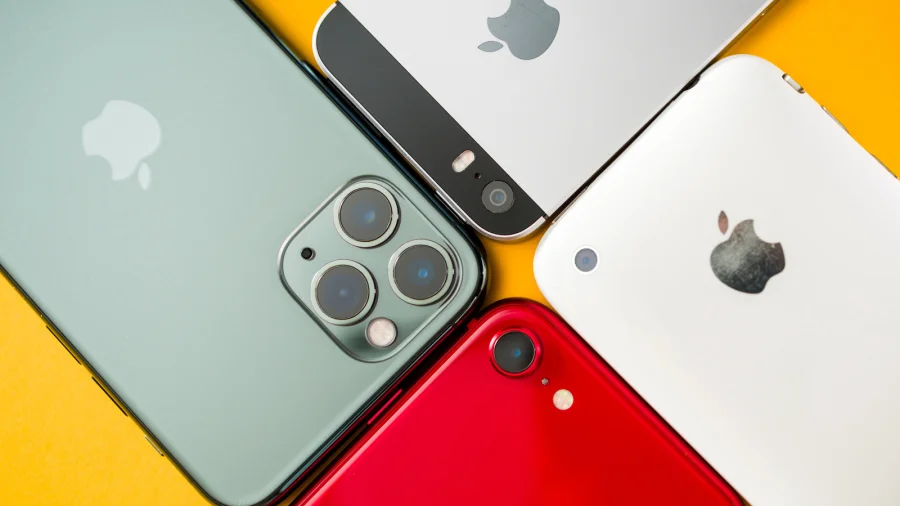

Your iPhone will slow down over time. That is normal, and it happens to almost every phone as it gets older. The good news is that you do not always need to buy a new one. Some simple changes can help your old iPhone run at its best for longer. Here are five ways to make it feel faster.
1. Clear Out Storage to Speed Up a Slow iPhone
A full phone has less room to work with. When storage is nearly full, your iPhone can feel sluggish. Go through your photos, videos, and apps and delete what you do not need. Removing large files and unused apps frees up space and can help the phone feel quicker in daily use.
2. Cut Down Background App Activity
Many apps keep working even when you are not using them. They refresh content and use memory in the background. Turning off background app refresh for apps you rarely use reduces this load. Fewer apps running behind the scenes means more resources for the app you are actually using.
3. Reduce Animations and Visual Effects
Your iPhone uses animations and motion effects for transitions and menus. These look nice, but they take processing power. Reducing motion and visual effects makes the interface feel snappier, especially on older devices that have less power to spare.
4. Restart Your iPhone Regularly
A simple restart can clear out temporary clutter that builds up over time. If your phone feels slow or apps behave oddly, turning it off and on again is an easy first step. It takes a minute and often makes a noticeable difference.
5. Keep Your Software and Apps Updated
Updates often include fixes that improve performance and stability. Keeping your iPhone software and your apps up to date helps the device run smoothly. It also makes sure you are not stuck with old bugs that slow things down.
Our Take: Small Changes, Real Difference
In our view, the message here is simple and useful. An older iPhone does not have to feel slow forever. To put it plainly, most of these fixes cost nothing and take only a few minutes. Clearing storage, cutting background activity, reducing animations, restarting, and staying updated are all things any user can do.
What this news means for you: before you spend money on a new phone, try these steps first. They will not make an old iPhone brand new, but they can help it run at its best for longer. That is a fair deal for a device you already own.
Sources & References
- Original story: Your iPhone will slow down over time, but some changes can help it run at its best for longer.