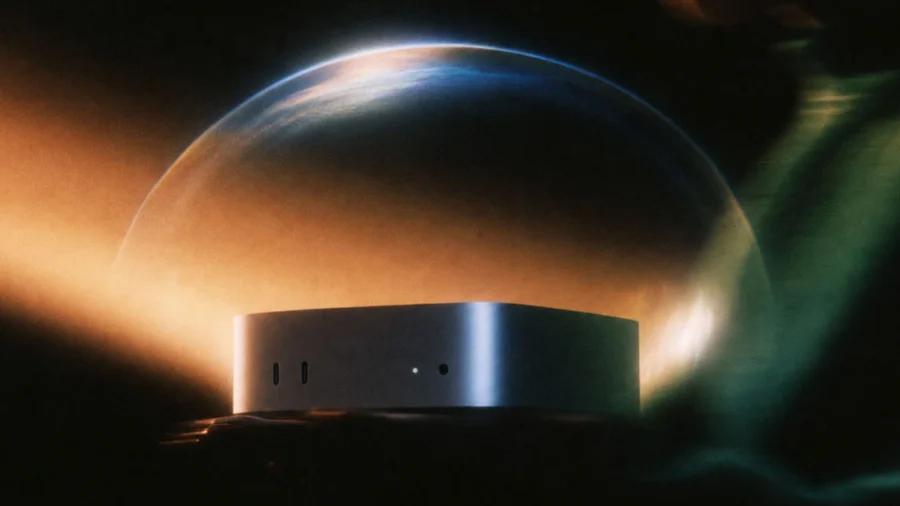

Perplexity has made it easier to run AI workflows entirely on your own Mac. The company's AI workflows can now run locally on a Mac, instead of depending on the cloud. The main catch is hardware: your Mac needs at least 36GB of RAM to run these workflows locally.
Perplexity Local AI Workflows: What You Need to Know
The change is about where the work happens. Instead of sending tasks off to remote servers, Perplexity's AI workflows can run on the machine sitting in front of you. That is what "entirely on your own Mac" means here — the workflows run on your own hardware.
The requirement is clear and specific: a Mac with at least 36GB of RAM. That is a high bar. Many standard Mac configurations ship with less memory, so not every user will be able to run these workflows locally right away.
Why the 36GB RAM Requirement Matters
Running AI workflows on a local machine takes memory. Perplexity's stated minimum of 36GB of RAM shows that local AI work is still demanding on hardware. To put it plainly, this feature is aimed at users with higher-end Macs — not the base models.
- The workflows run entirely on the user's own Mac
- A minimum of 36GB of RAM is required
- The feature covers Perplexity AI workflows
Our Take: A Small but Meaningful Step for Local AI
In our view, this is a practical move in the right direction. Running AI workflows on your own Mac means your tasks stay on your machine rather than going to a remote server. For people who care about keeping their work local, that matters.
But the 36GB RAM requirement is a real barrier. Most everyday Mac users do not have that much memory. So while Perplexity has made local workflows easier to run, it has not made them accessible to everyone. This is a feature for power users first. If you have a high-spec Mac, this news is directly useful to you. If you do not, you will likely have to wait — or upgrade — before you can run Perplexity's AI workflows entirely on your own machine.